


Configure the XINBAI H60 for white-light color or infrared black-and-white night capture, motion detection and scheduled recording.
Install Power and an SD Card
Switch off before installing eight matching 1.5V AA batteries or inserting an unlocked SD card up to 64GB. Follow the polarity markings and use a consistent battery type. The camera requires an SD card to store recordings. An optional regulated DC 6V/2A supply can connect through the 4 × 1.7mm DC input. Back up files before formatting a card.

Setup and Save Settings
Move the switch to SETUP to activate the LCD and settings. Press Menu, use Up/Down to select an item and Left/Right to change its option. Press OK after every change to save it. Set the clock before deployment and take a manual test image to check framing.
Choose Night Illumination
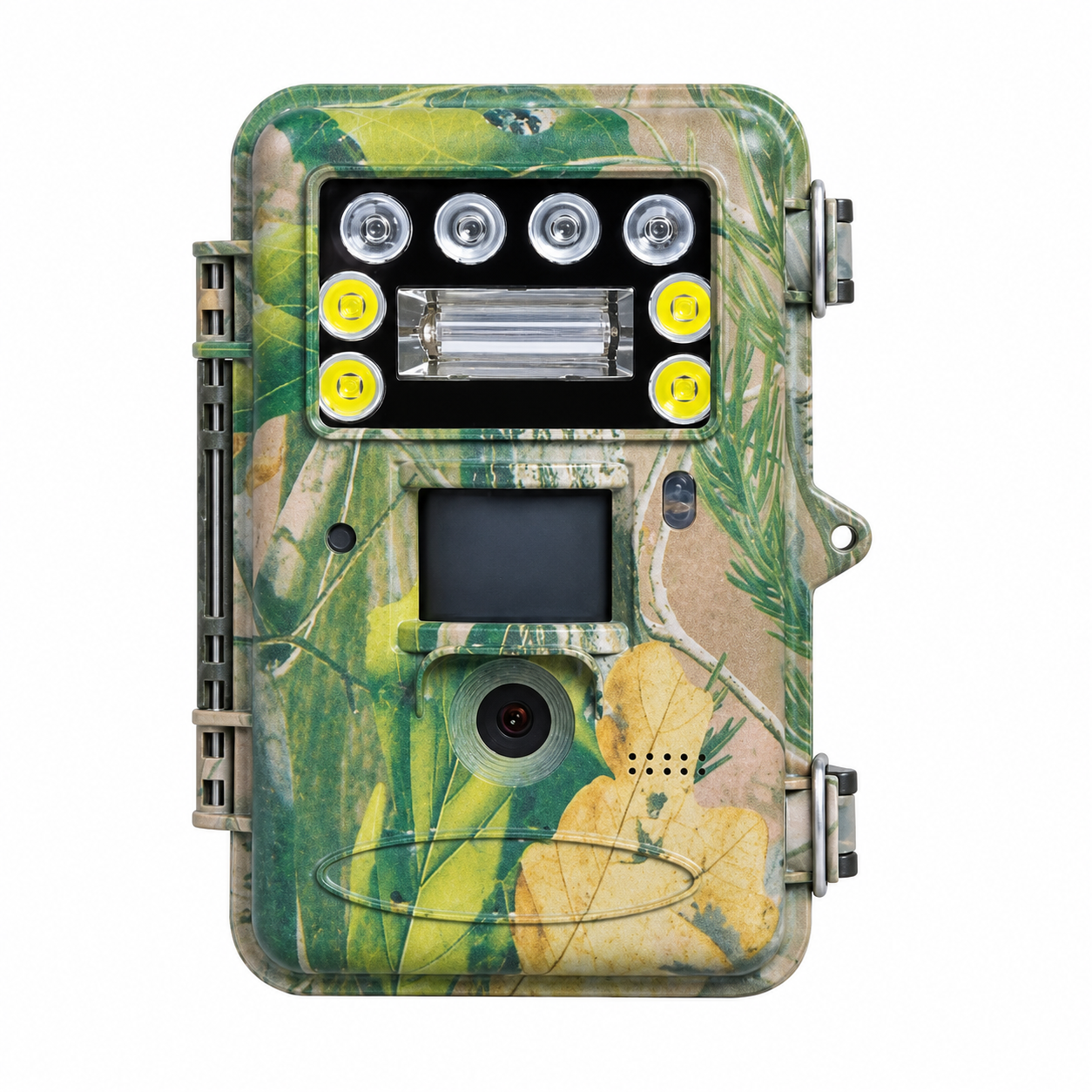
Use the Picture Type setting to choose the desired night appearance. White LED illumination enables full-color night imaging; 940nm infrared provides black-and-white night imaging. Xenon flash supplies supplemental illumination. Take a test image after changing the selection and adjust camera placement to suit the subject distance. Visible white light and flash should be considered when choosing the deployment location.
Configure Motion and Time Lapse
Set PIR sensitivity to High, Normal or Low for motion capture. PIR Off disables motion triggering. For scheduled capture only, choose a nonzero time-lapse interval and set PIR Off. To use both, leave PIR enabled and select a nonzero time-lapse interval. Set the PIR interval between 0 seconds and 1 hour to control the pause after a trigger.
Photo and Video Options
Choose Photo, Video or Photo + Video. Photo settings are 16MP, 36MP and 48MP; 36MP and 48MP are interpolated. Video options are 1920 × 1080, 1280 × 720 and 640 × 480. Set clip duration between 5 and 90 seconds. In Photo + Video, each event combines one photograph with a video and burst capture is disabled.
Mount and Start Monitoring
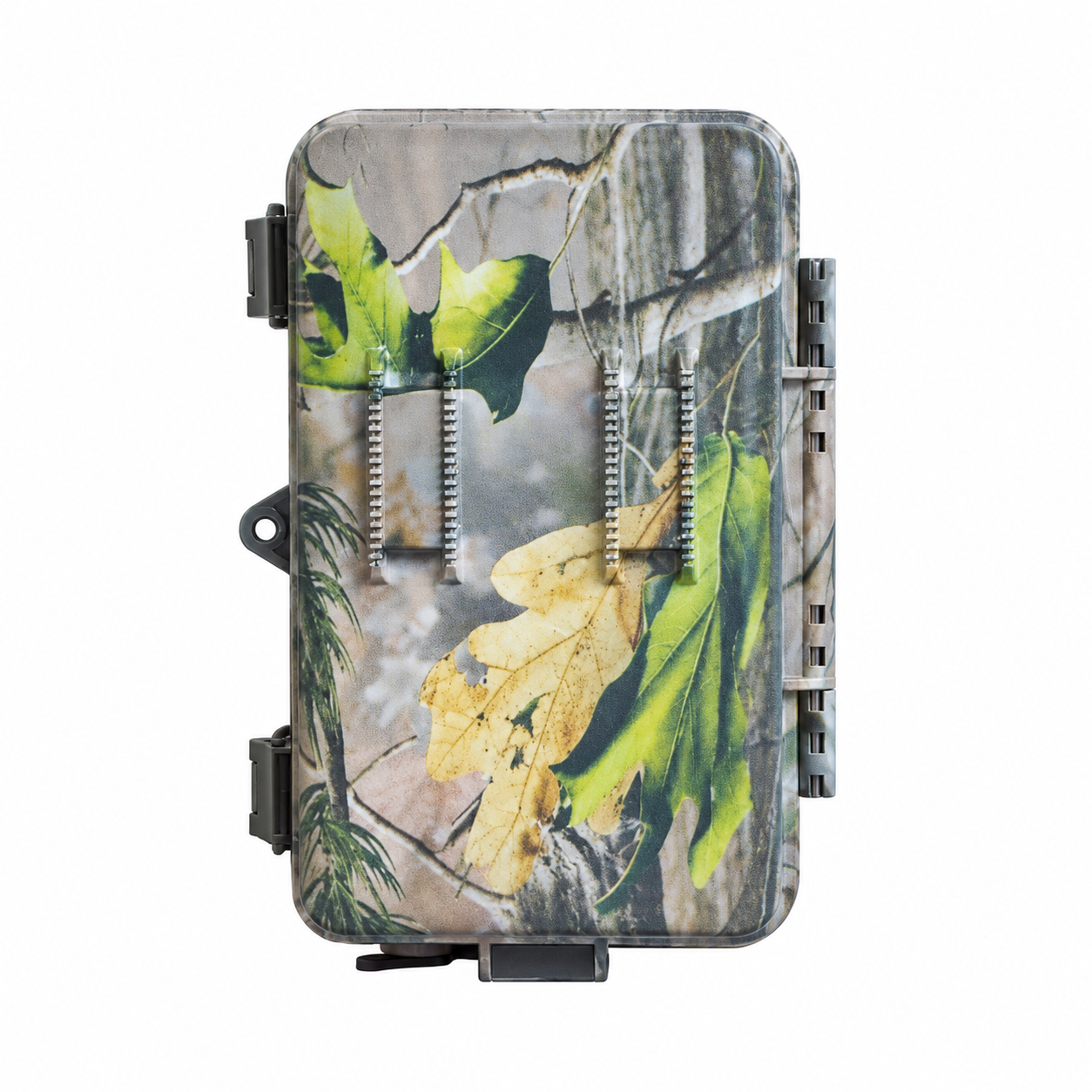
Use the supplied belt or mounting bracket and tighten the camera securely. Aim away from moving vegetation and check the detection area with test captures. Set a daily working window if required. Move the switch to ON when ready; the red indicator blinks for about 10 seconds before monitoring begins. Close the housing and secure the latches.
Review, Transfer and Maintain
Return to SETUP for playback. Browse recordings with the arrow buttons and use the video playback control to play clips. Back up important files before deleting or formatting. Enable recycle storage only if replacing the oldest files when the card fills is acceptable; this function works during monitoring, not SETUP. Remove batteries for prolonged storage.
Troubleshooting
For missing recordings, check battery condition, unlocked SD card, free space, working hours and PIR/time-lapse settings. Back up and format the card in the camera if needed. For frequent empty triggers, reduce PIR sensitivity or avoid moving vegetation and heat sources. For poor night images, check illumination selection, subject distance and lens cleanliness. Never remove the card while the camera is powered on.
Technical Specifications
| Model | H60 |
|---|---|
| Image sensor | 16MP color CMOS |
| Photo settings | 16MP / 36MP / 48MP; 36MP and 48MP interpolated |
| Video settings | 1920 × 1080 / 1280 × 720 / 640 × 480 |
| Video length | 5–90 seconds; default 10 seconds |
| Lens aperture | F2.4 |
| Field of view | 57° |
| Night illumination | Selectable white LED for full-color imaging or 940nm infrared for black-and-white imaging; xenon flash provides supplemental illumination |
| LED number | 4 LEDs |
| Illumination distance | 90ft (approximately 27.4m) |
| PIR detection range | Up to 100ft (approximately 30.5m) in suitable conditions |
| PIR sensitivity | High / Normal / Low / Off; default Normal |
| PIR interval | 0 seconds–1 hour; default 5 seconds |
| Memory card | SD card up to 64GB; no built-in memory |
| Display | Built-in 2.3-inch LCD |
| Sound recording | Supported |
| Capture modes | Photo / Video / Photo + Video |
| Photo burst | Available in Photo mode; disabled in Photo + Video; default 1 photo |
| Time lapse | Supported; preset interval capture; default Off |
| Daily working hours | Configurable working window; 24-hour time format |
| Power supply | 8 × 1.5V AA batteries or external DC 6V, 2A; external adapter optional |
| External DC connector | 4 × 1.7mm |
| Standby consumption | Less than 0.3mA; less than 7mAh/day |
| Operating temperature | −20°C to +60°C |
| Non-operating temperature | −30°C to +70°C |
| Relative humidity | 5–90%, non-condensing |
| Dimensions | 145.1 × 90 × 145mm |
| Unit weight | Approximately 0.40kg |
| File / system functions | Loop overwrite in ON mode; date/time stamp; A–Z camera identifier; playback; SD format; default reset; version display; menu language and beep settings |
