
Flip the Screen for Selfie Framing
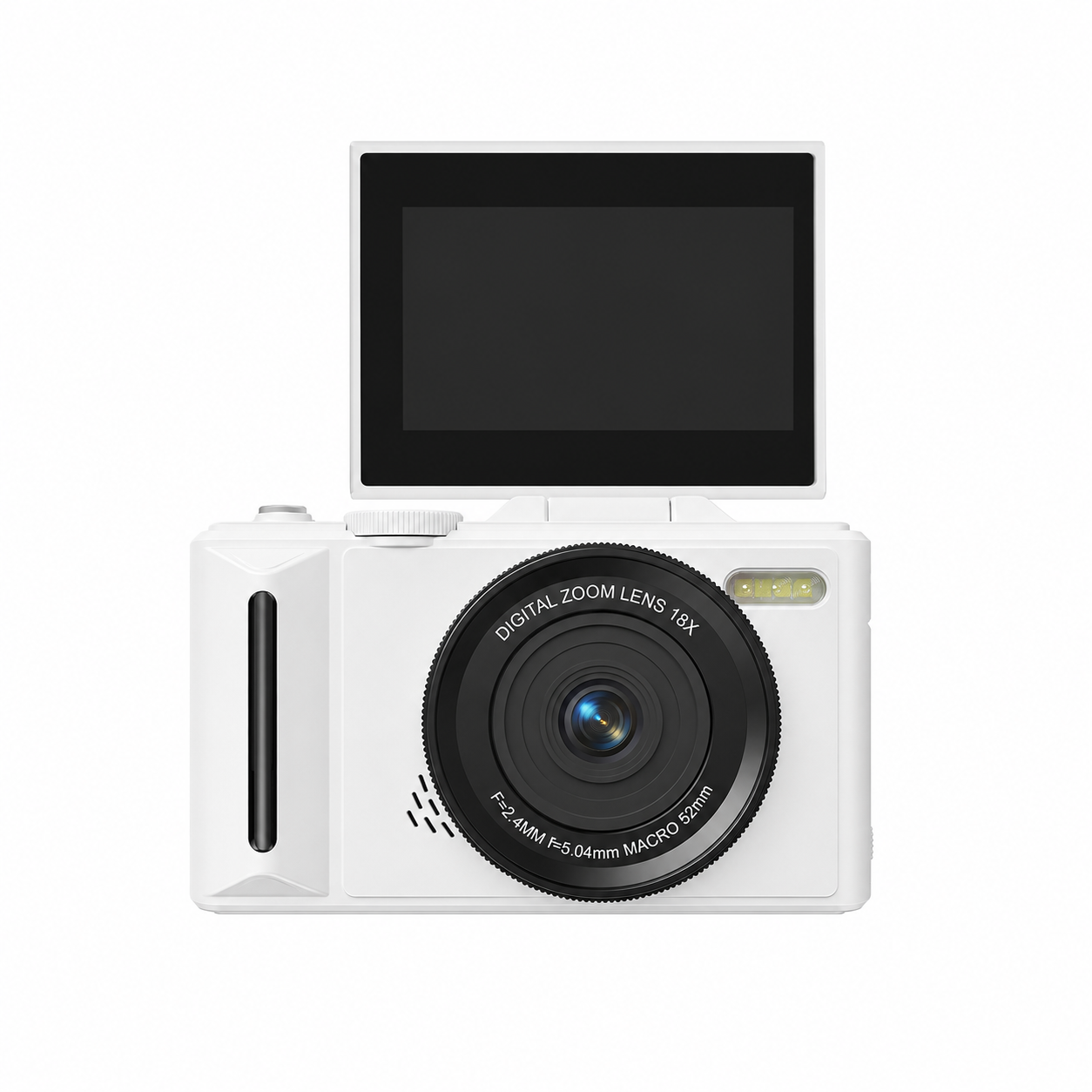
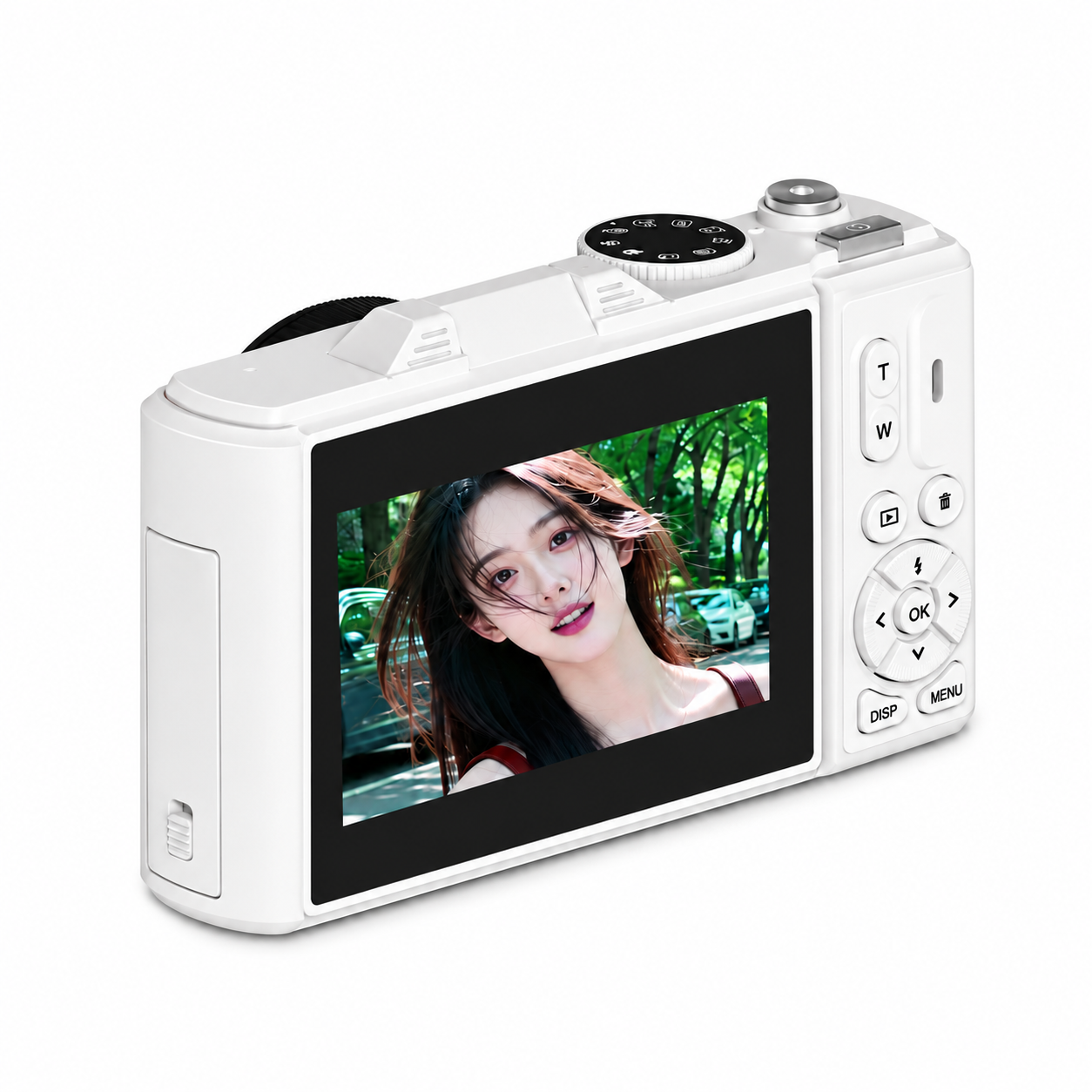
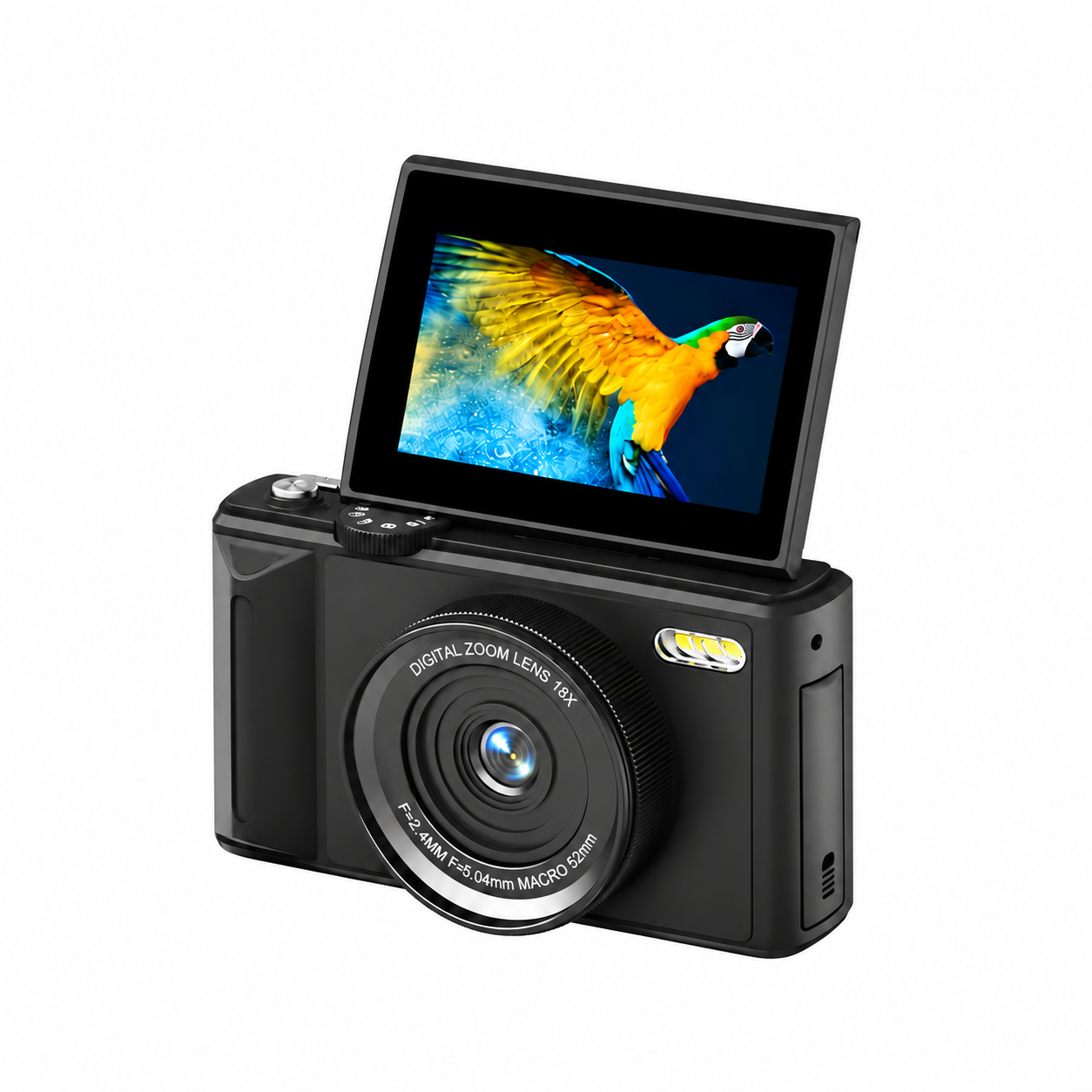
The XINBAI W300 combines a 3.0-inch, 180° flip-up display with autofocus and 18× digital zoom. Raise the screen to check your framing for self-portraits and front-facing video, or fold it back for regular shooting. The 12MP CMOS sensor supports selectable photo output sizes, with higher-resolution settings clearly identified as interpolated.
Photos, Video and Creative Modes
Choose video settings from 5K to 720P, or use the mode dial for time-lapse, slow motion, loop recording and video-plus-photo capture. Electronic image stabilization, 19 filter options, a 2–30-second self-timer and 3- or 5-shot bursts offer flexible ways to record travel, portraits and everyday moments. The built-in LED flashes for still photos and provides continuous fill light during video recording.
Wi-Fi Sharing and USB Webcam Use
Connect a nearby phone to the camera hotspot and open XDV PRO for camera control and settings. Wi-Fi file transfer makes it easier to move images to a phone. This is a local camera-to-phone connection within Wi-Fi range. For computer use, Type-C provides file transfer and a USB webcam mode compatible with supported camera or streaming software.
Specifications
| Model | W300 |
|---|---|
| Image sensor | 12MP CMOS; 1/2.7-inch sensor format |
| Display | 3.0-inch display with 180° flip-up screen |
| Digital zoom | 18× digital zoom; no optical zoom |
| Lens | F2.4; focal length 5.04mm |
| Photo output options | 80M / 75M / 64M / 56M / 48M / 30M / 24M / 20M / 12M / 8M / 5M / 3M. Settings above 12MP are interpolated |
| Video resolution options | 5K / 4K / 2.7K / 1080P / 720P |
| Focus modes | Auto Focus / Manual Focus / Fixed Focus; half-press shutter to focus |
| Image stabilization | Electronic image stabilization |
| Shooting modes | Regular Photography / Video + Photo / Loop Recording / Time-lapse Recording / Slow-motion Recording / Regular Recording / Continuous Shooting / Self-Timer / Automatic Photography |
| Self-timer | 2 / 5 / 10 / 15 / 30 seconds |
| Continuous shooting | 3 or 5 consecutive shots |
| Filters | 19 options: Normal / Black and White / Negative / Retro / Red / Green / Blue / Purple / Cyan / Yellow / ins1977 / Binary / Low Saturation / High Saturation / LOMO / Halo / Cross Processing / Dark Tone / Japanese Style |
| Flash / video fill light | Built-in LED; flash for photos and continuous fill for video; shortcut Off / Auto / On |
| Wi-Fi / app | Local camera hotspot connection through XDV PRO for nearby photo/video control and menu settings; Wi-Fi file transfer supported |
| Wi-Fi connection type | Direct connection between camera and smart device within Wi-Fi range; does not provide Internet access |
| Storage | TF / microSD card up to 256GB; format in the camera before first use after backing up files |
| Battery | 1050mAh removable rechargeable lithium-ion battery |
| USB connector / interface | Type-C for charging and data transfer; USB 2.0 |
| USB computer modes | Charging Mode / Storage Mode / Network Camera (USB webcam) |
| Charging / power indicators | Red on while charging, red off when fully charged; blue on while powered on |
| Recommended charging temperature | 10–30°C |
| Dimensions | 115 × 54 × 70mm |
| Weight | Approximately 232 ± 5g, excluding battery |
| Housing material | ABS |
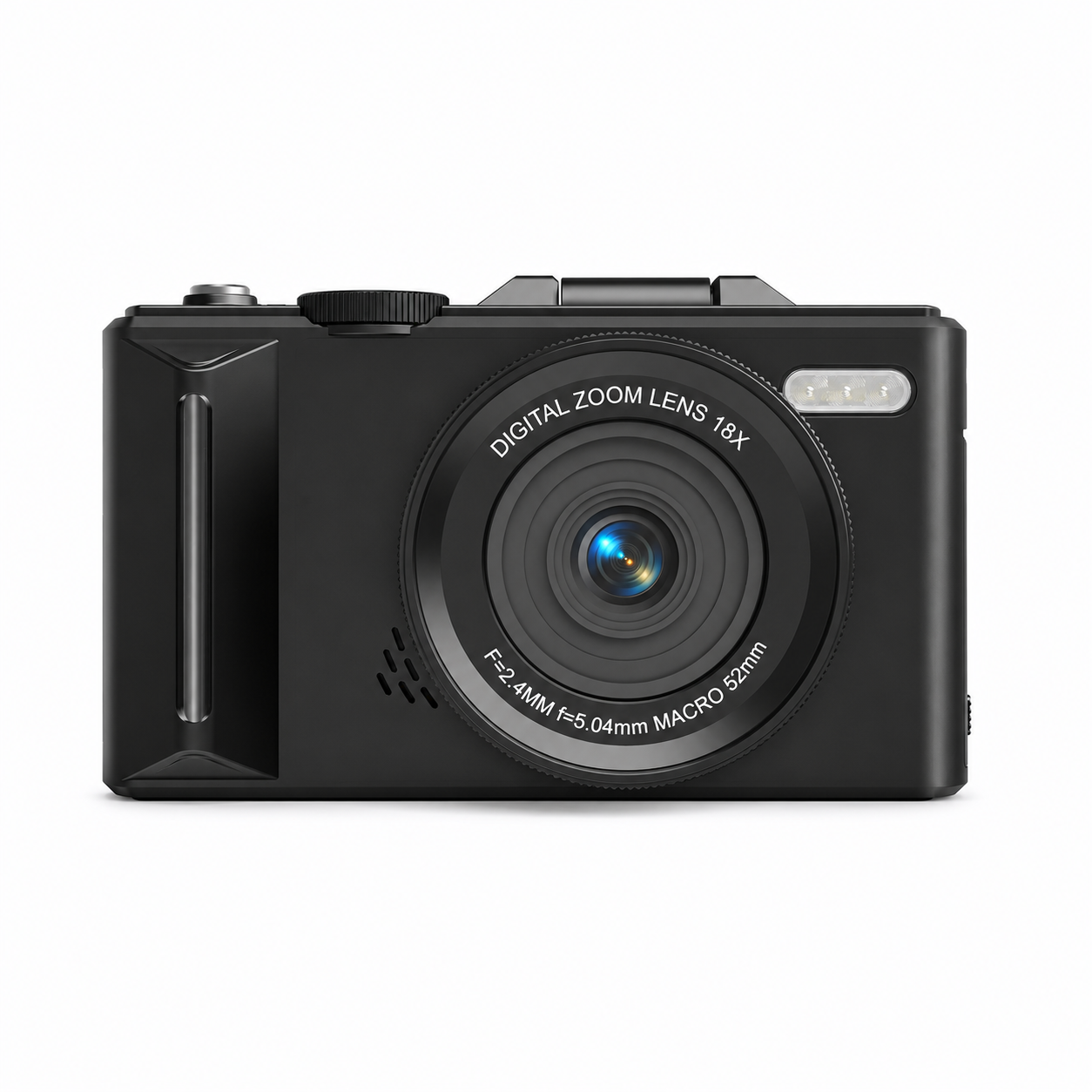
| Colour options | Black / White; custom pink subject to order confirmation |
| Image rotation / icons | Image Rotation Off / On; Display Icons Off / On |
| Screen saver | Off / 30 seconds / 1 minute / 2 minutes |
| Automatic power off | Off / 3 minutes / 5 minutes / 10 minutes |
| Display brightness | High / Middle / Low |
| LED indicator setting | Off / On |
| Sound settings | Button volume: Loud / Medium-loud / Quiet / Off; start sound Off / On |
| Frequency setting | Auto / 50Hz / 60Hz |
| Date / time settings | Date and time adjustment; date format YYYY/MM/DD / MM/DD/YYYY / DD/MM/YYYY |
| Menu languages | English / Simplified Chinese / Traditional Chinese / Japanese / Korean / Russian / German / French / Italian / Spanish / Portuguese / Thai / Dutch / Polish / Swedish / Romanian |
| Playback controls | Photo browsing, T/W zoom and directional panning; video playback / pause; individual file deletion |
| System tools | Format Card; Device Info (product model / version); Factory Reset |
| Water protection / care | Not waterproof; protect from liquids and impact. For extended storage, remove battery and keep in a dry, dust-free place below 30°C |
Configuration and Enquiries
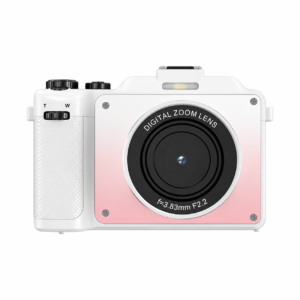
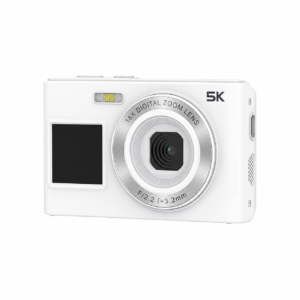
Specify the colour, quantity, destination market and required memory card or accessories when requesting a quotation. Black and white versions are shown in the gallery; custom pink, branding and packaging requirements can be discussed for the requested order. Confirm the final configuration before ordering.
Setup and Technical Documentation
Read the W300 setup and connection guide for operating steps and troubleshooting.